Texturing & Colorize
Texturing turns a scalar heightmap (VirtualArray) into colour output
(VirtualTexture). The conversion happens at the colorize step, and everything
downstream lives in texture space.
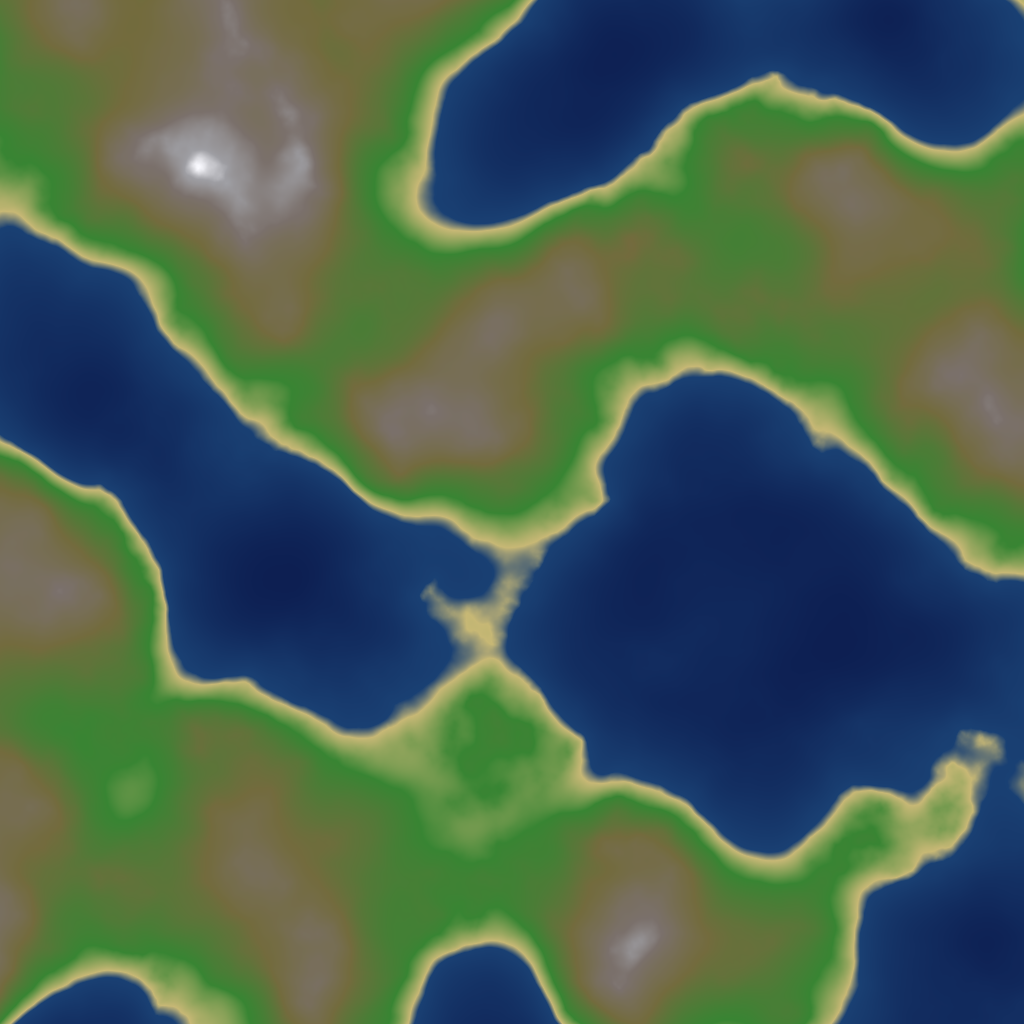
NoiseFbm → ColorizeGradient → ExportTexture. Source graph: texturing-result.hsd.
The pipeline
- From a heightmap, build soil/material masks with the for-texturing
selectors:
SelectSoilFlow,SelectSoilRocks,SelectSoilWeathered(see Masks & Selectors). - Colorize each layer — these take a
VirtualArrayin and output atexture(VirtualTexture):ColorizeGradient— map elevation/mask to a colour gradient.ColorizeSolid— a flat colour layer.
- Blend the layers:
MixTexture— combine colour layers (often weighted by a soil mask).MixNormalMap— combine normal-map detail.
- Adjust:
ColorAdjust(levels/balance),SetAlpha(transparency),TextureSplitChannels/TextureSelectColorfor channel work. - Export with
ExportTexture(orExportNormalMap). See Export Formats.
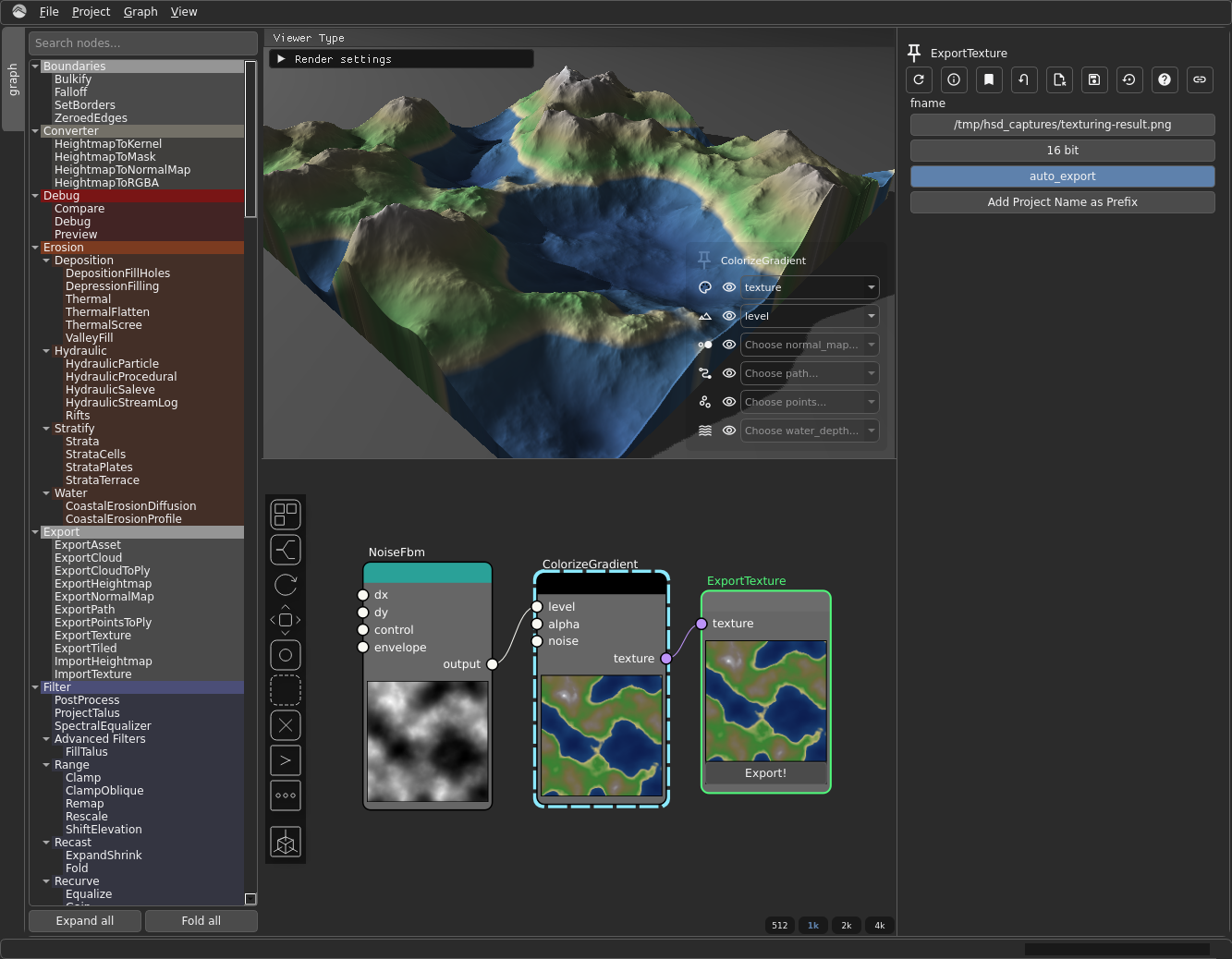 The minimal
 NoiseFbm → ColorizeGradient → ExportTexture graph from texturing-result.hsd, open in Hesiod.
Why colour can't go to ExportHeightmap
ColorizeGradient/ColorizeSolid convert VirtualArray → VirtualTexture. A
colourised result is no longer a heightmap, so it must go to ExportTexture. To
also export the raw elevation, fork before colorize: send the heightmap to
ExportHeightmap and a copy through colorize to ExportTexture. See
Heightmaps & Virtual Arrays.